



How to Check Facebook Account GEO
How to Check Facebook Account GEO
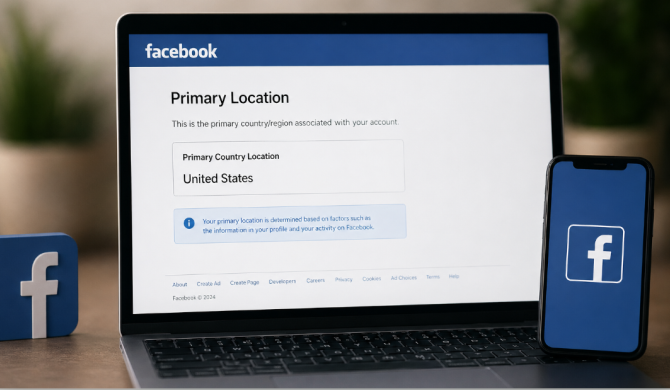
If you need to find out which geographical location (GEO) is assigned to your Facebook account, you can do it through an official Meta page. This method is widely used in traffic arbitrage, advertising, and account trust verification.
GEO Check Link
Open the link below:
Check Facebook Primary Location
What is Primary Location
Primary Location is the country Facebook identifies as the main location of your account. It is automatically determined based on activity and technical signals.
- IP address of logins
- Device geolocation
- SIM card country
- Login history
- Account activity patterns
How to Check Account GEO
- Log into your Facebook account
- Open the verification page via the link
- Check the Primary Location field
- Compare the country with your target GEO
Why GEO May Be Incorrect
Possible reasons include:
- Use of VPN or proxy
- Logins from different countries
- New account without history
- Mobile internet from another region
- Frequent IP changes
How to Change Account GEO
To help Facebook assign the correct country:
- Use a stable IP from one country
- Disable VPN
- Enable device location
- Avoid switching devices frequently
- Let the account "warm up" for a few days
Conclusion
Checking Primary Location helps you understand which GEO Facebook assigns to your account. This is important for advertising, account farming, and business management.

